Login with SSO
Last updated: June 25, 2026
Single Sign-On (SSO) lets you access Kantiv using your organization's existing identity provider — no separate credentials needed. Follow the steps below to sign in and set up your account.
Before you begin: SSO must be enabled by your organization. If you're not sure whether it's set up, check with your admin or IT team before proceeding.
Steps Overview
Enter your work email on the Kantiv login page
Authenticate via your identity provider
Join your organization's team
Set up your profile
Step 1: Enter your Work Email on the Kantiv login page
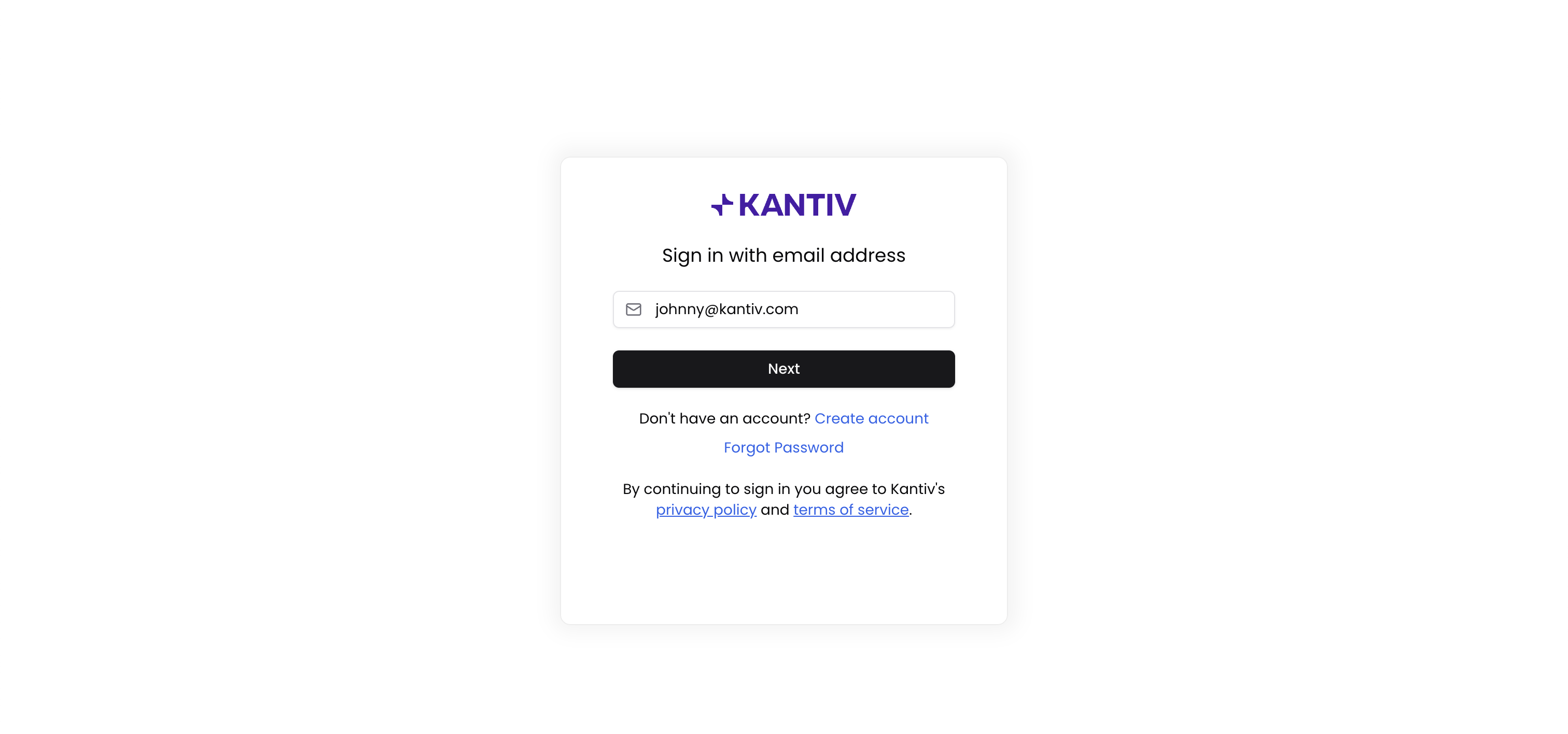
Navigate to app.kantiv.com/auth and enter your work email address, then click Next. Kantiv automatically detects that your organization uses SSO and initializes it for your account. You'll be redirected to your SSO login flow.
Step 2: Authenticate via Your Identity Provider
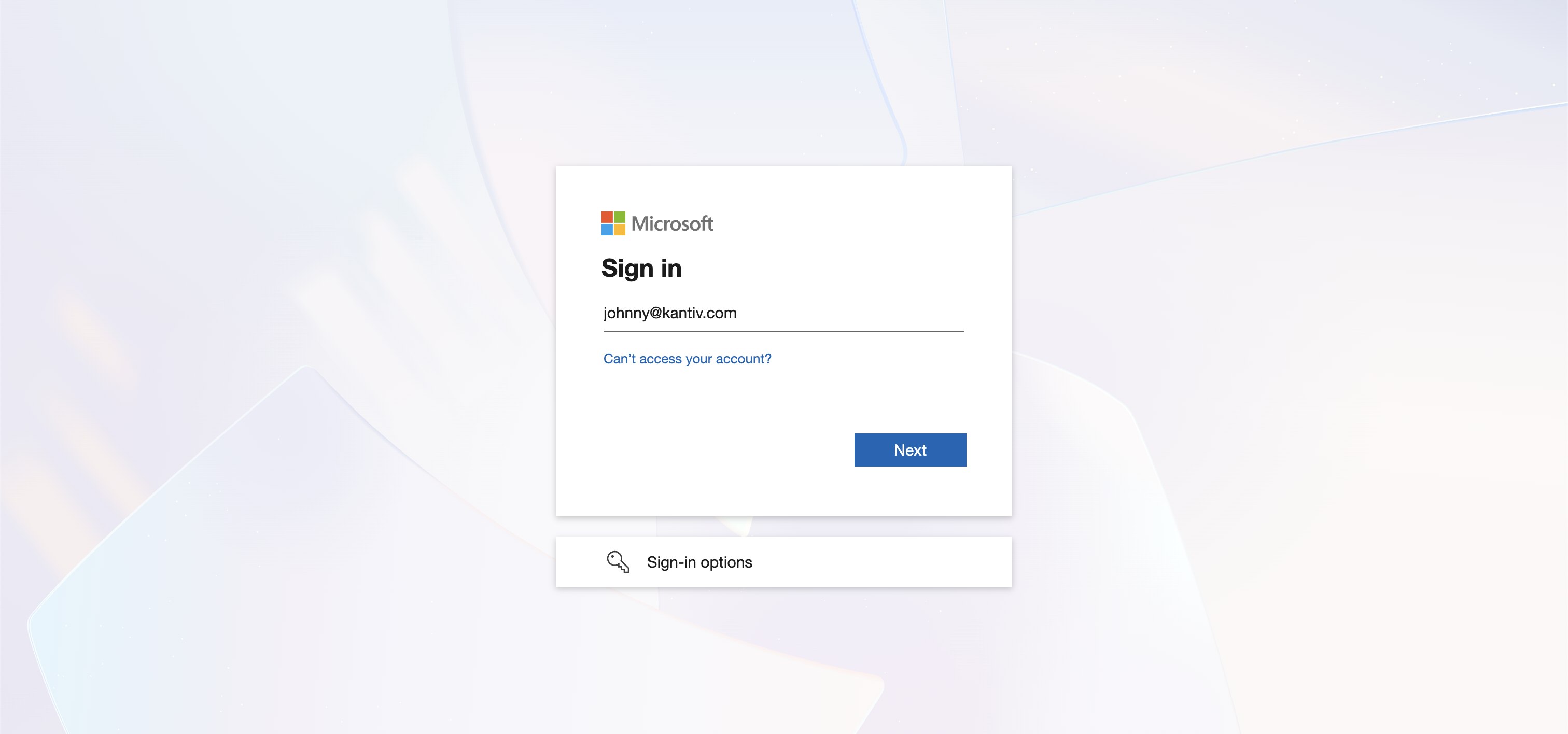
You'll be handed off to your organization's identity provider (e.g. Okta, Google Workspace, Azure AD). Sign in using your standard company credentials.
Step 3: Join Your Organization's Team
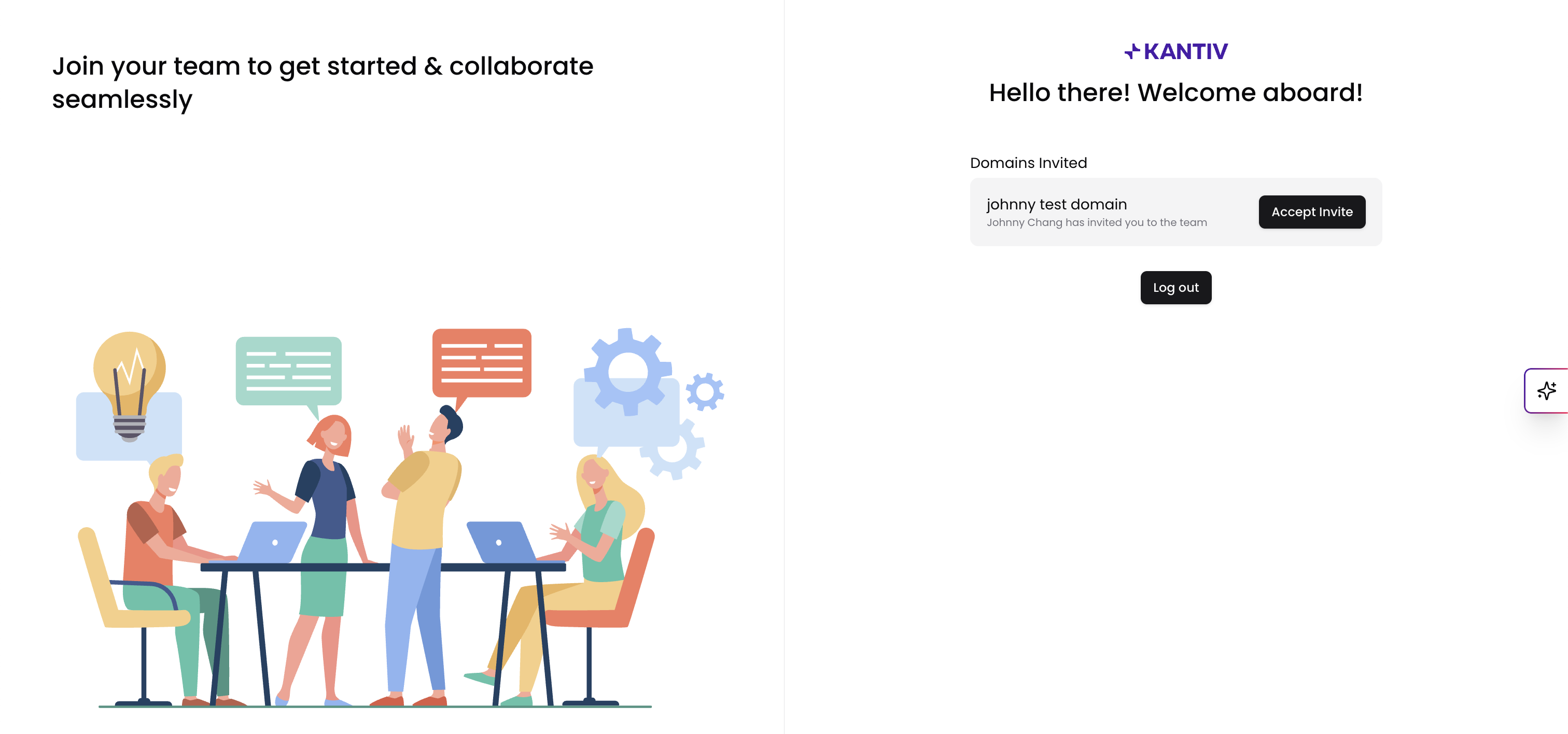
Once authenticated, you'll be prompted to join a team based on your company domain:
Select the domain you'd like to join from the list.
Click Proceed to confirm.
Step 4: Set Up Your Profile
If this is your first time signing in, you'll be prompted to complete your profile. Fill in the required fields to finalize your account setup.
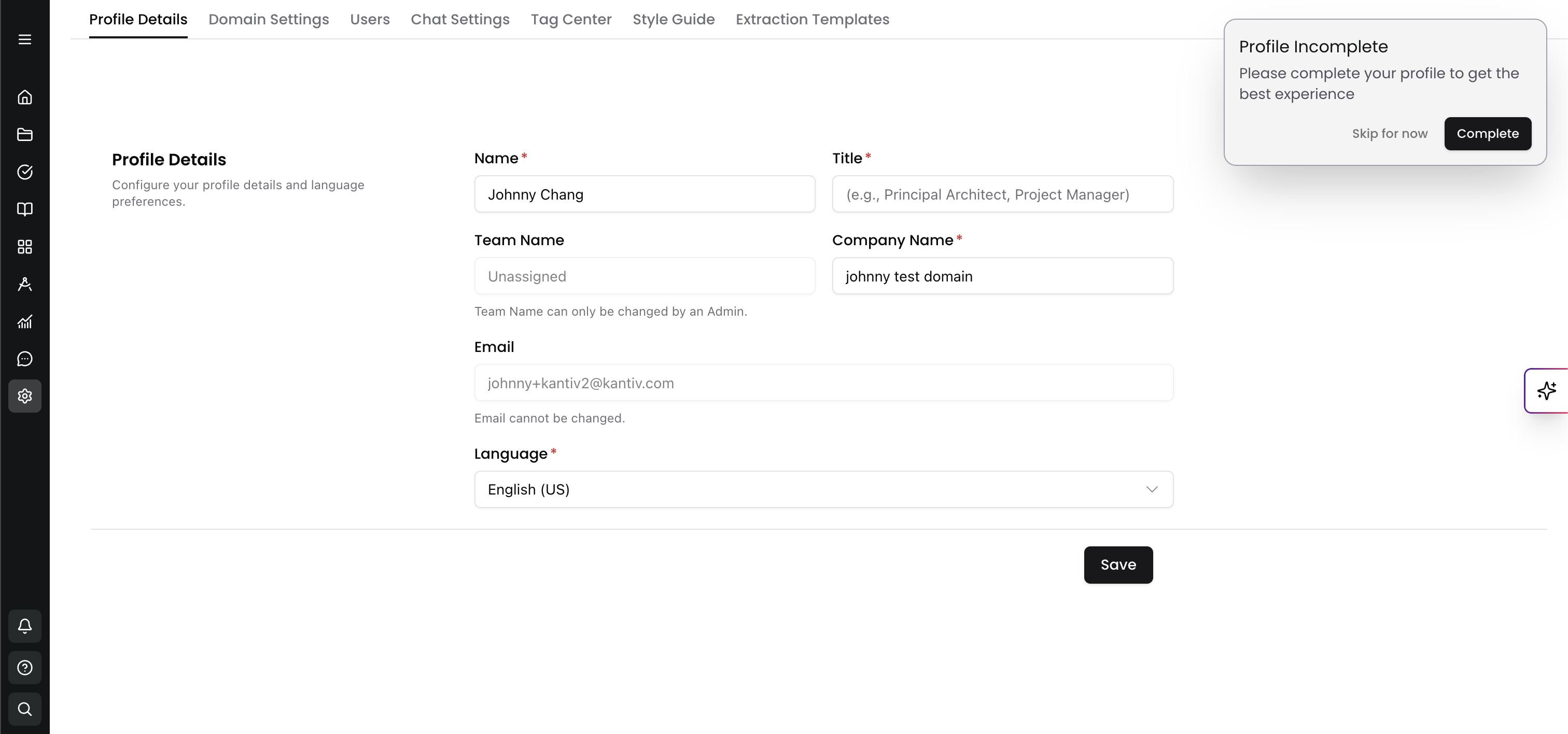
Once done, you'll land on your Kantiv dashboard — you're all set!
Troubleshooting
Issue | What to do |
|---|---|
SSO not detected for your email | Confirm SSO is enabled with your admin |
Redirected to a password login instead | Your email domain may not be linked to SSO yet |
Can't see your organization's domain | Contact your IT team to verify domain configuration |
You can always find more information on Setup and User Management in our Support Center. Please send any questions or feedback to Support@Kantiv.com.